
Make room for
local magic.
Your Beventi workspace, wrapped up in one happy Mac app. Get set up, find your flow and leave the updates to us.
Version 0.2.0 · Apple Silicon and Intel · macOS 13 or later
Verify your Beventi email
Use your @beventi.co address to unlock the Mac installer for 15 minutes.
Apple Silicon & Intel · macOS 13 or later
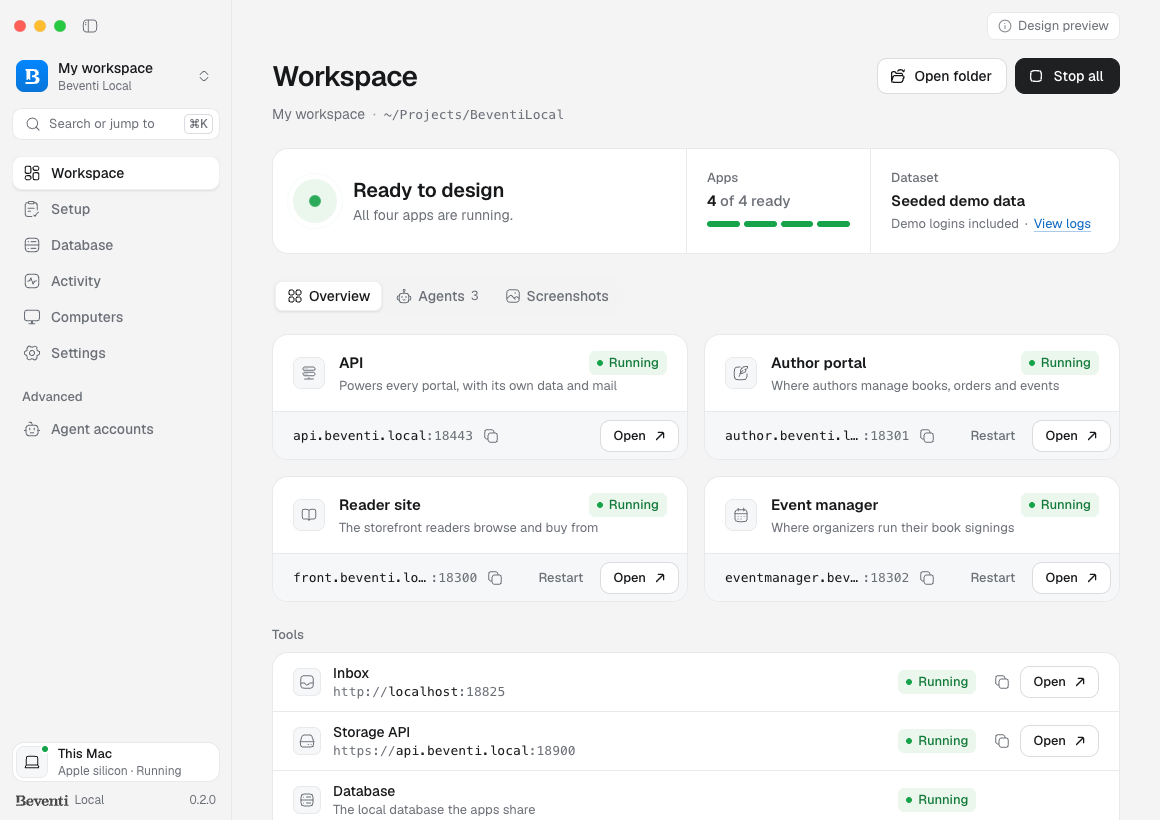
One little install.
A whole world of possibility.
Three small steps. Then you’re in your element.
- 01
Make yourself at home.
Verify your Beventi email, grab the installer and drag the app into Applications. If macOS blocks the first open, approve it in Privacy & Security.
- 02
Bring your workspace.
Open Docker Desktop, connect GitHub and let the setup guide take you through the rest.
- 03
Go make something good.
Run your apps, switch workspaces and get back to the work you came here to do.
ALWAYS MOVING FORWARD
Set up once. Stay in the flow.
Beventi Local checks for fresh versions, installs verified updates and restarts when your current tasks and app terminal sessions are finished. One less thing on your list.